Pro video editing suiteFor you & your agent

Flimming gives agents access to professional editing tools and state-of-the-art AI models, alongside skills to use them optimally.

Use your footage, or create something from nothing. Done for you, or done with you.

Copies a short setup prompt for your agent.Copied. Now paste it into your agent’s chat and send it.

Works with
  • Claude Code
  • Codex and ChatGPT
  • Grok
  • Muse
and any MCP client

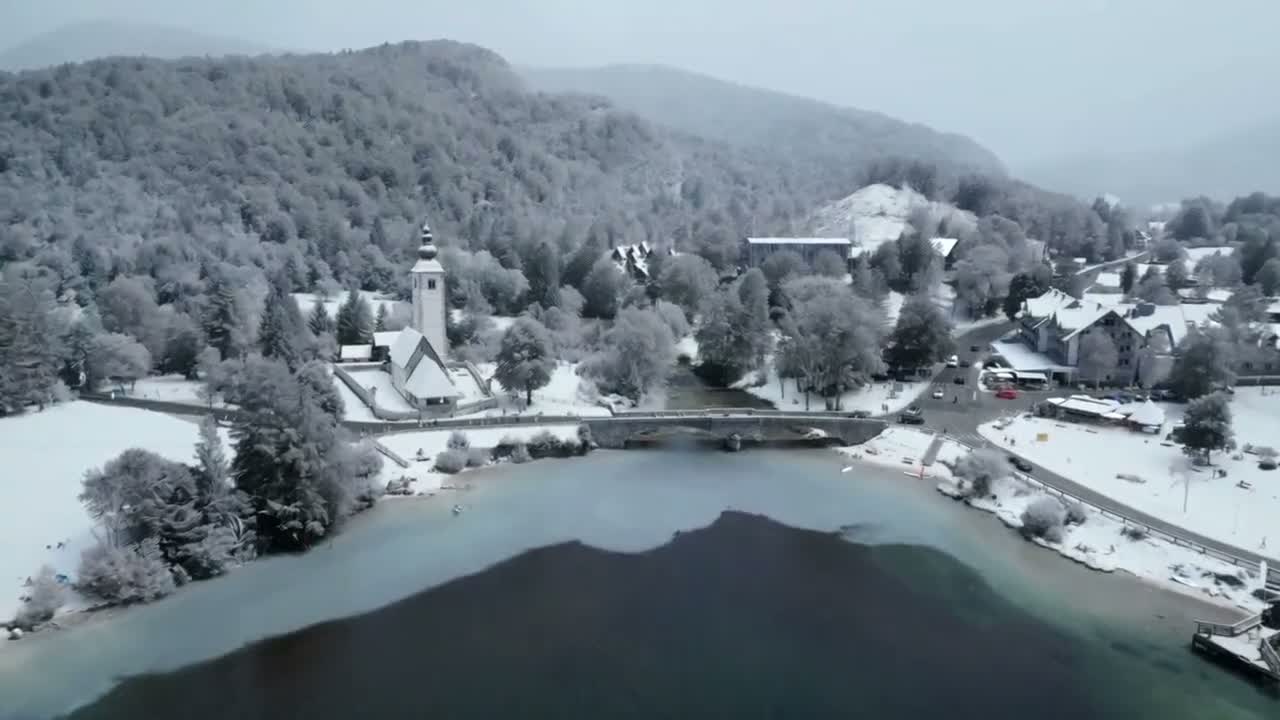
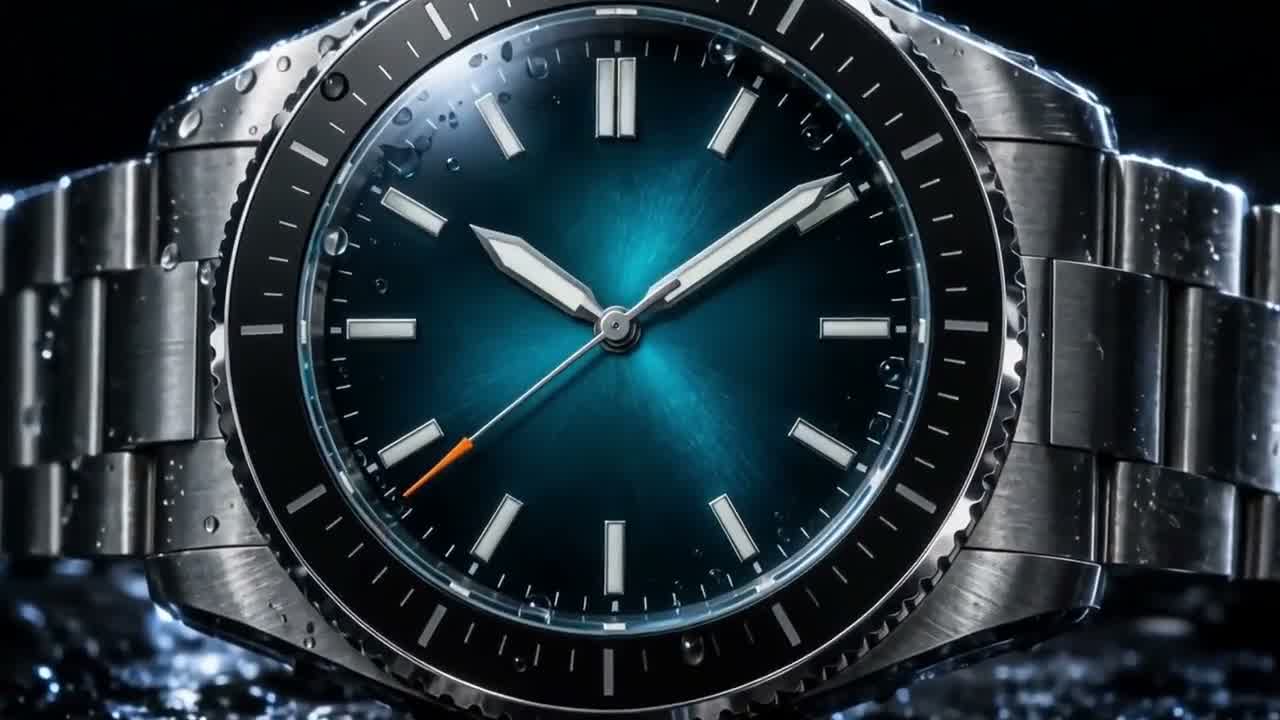
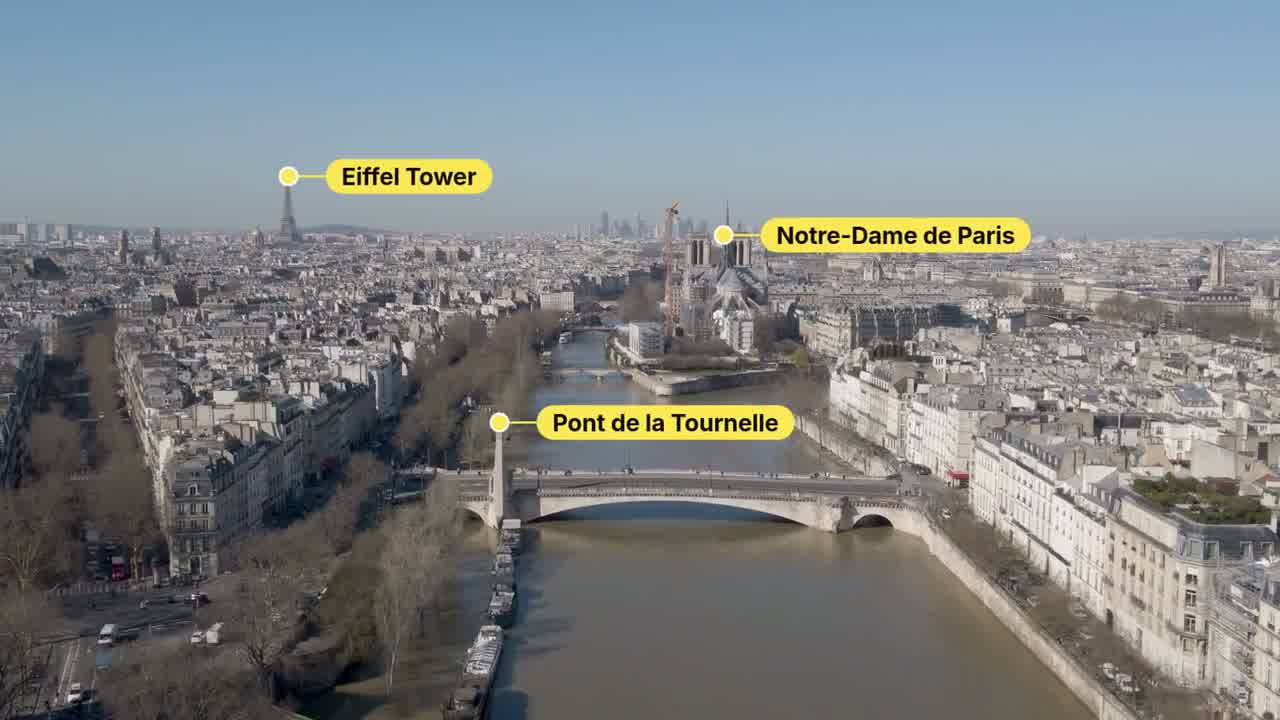
The film behind this section loops through twelve chapters. Flying fish are generated leaping from the sea at sunrise and the shoal forms into a breaching humpback whale. The camera pulls back to a seaside town, which is graded to the sunrise, cleared of people, turned to winter and painted over by hand into a watercolour. Out of the painting, the camera flies down to a harbour, where a creator’s clips are cut to match a trending travel edit. Then it climbs to a cliffside restaurant for a drama advert for a peach soda, which morphs into a claymation version; nine more variations fill a wall, and the film is rendered in 16:9, 9:16 and 1:1 before it begins again.

Your shared editor

An animated re-creation of the editor, with its play button and scrubber as the controls. Someone asks ChatGPT to make a short YouTube video, "$10 vs $1,000 vs $100,000 Suit", and ChatGPT edits it in Flimming over MCP while Flimming's cursor works in the editor. In a few short prompts it adds the title and imports the presenter's takes into a rough cut, removes the ums and pauses, adds a voiceover in the presenter's voice and generated b-roll of a thrift store, a tailor, a menswear shop and Kiton's Naples workshop, adds ducked music and captions, grades every clip to one uniform look, labels the Kiton K-50, and exports landscape and portrait versions with a share link. The preview keeps playing throughout. The agent then opens the portrait version on its Shorts tab, where it plays in a 9:16 frame with its own captions and title, and you trim the title yourself. The speaker button turns on the program's sound, and the Main and Shorts tabs switch between the two versions.

Works with the agent you already use, and any agent that speaks MCP.

CodexClaude CodeChatGPTGrok BotDotsMuse+ any MCP client

Same prompt.
Different results.

Each agent got the same message, word for word, in one go. Claude with Flimming plays on the left; ChatGPT, Claude and Grok Bot take turns on the right.

One edit.
Built for two.

Your agent gets the tools. You get a real editor. Both work on the same project, and every change lands in one history you can undo.

Your agent · MCP and OAuth

306 tools, over MCP.

Connect the agent you already use. It signs in with OAuth, you pick exactly which projects it can touch, and it edits with the same tools as the timeline.

$claude mcp add --transport http flimming …/mcp
Make a 20 s launch film from these, cut to the track.
skills_read advertisingread
media_detect_scenes14 scenes
audio_analyze_rhythm128 BPM
timeline_snap_cuts_to_beatsdone
generation_h3_image_to_videoasked first
rendering_render_timeline1080p
review_filmstripmatches brief
You · the editor

A real editor, always open.

A timeline, a preview and an inspector. Every change your agent makes lands in the history, and every one is yours to undo.

  1. YOUR AGENTSnap cuts to beatsundo
  2. YOUTrim Sprint_wide by 11 framesundo
  3. YOUR AGENTCaptions in Bold popundo
Our agent

Or ask ours.

It plans the edit, offers options, asks before it spends and checks its own render.

Where it runs

Local or cloud.

  • 01Run jobs on your machine
  • 02or on cloud GPUs
  • 03and open the project anywhere
Inputs

Start from anything.

An ideaA URLA conversationAn imageA videoA folder of rushesA scriptA product page→ 1 project

Before, after,
and how.

Each one started as a short brief to an agent connected to Flimming. Compare the before and after, or press play.

All examples →

Everything an edit needs.
Nothing locked away.

The basics for everyone and the pro tools when the edit needs them: on the timeline for you, and as tool calls for your agent.

01Editing

Every tool an editor
reaches for.

From the first trim to the final master.

13 blend modes · 13 keyframe properties · 44 caption styles · HDR10 and HLG

The everyday

On every edit
  1. 01Trim, split and ripple
  2. 0216 title templates
  3. 0344 caption styles, word motion and emoji
  4. 04Music and voiceover
  5. 05Transitions
  6. 06Speed changes
  7. 07Crop and reframe for any feed
  8. 08Colour correction
  9. 09Stabilisation
  10. 10Brand kits
  11. 11Stock B-roll
  12. 12Branded share pages

The pro

When the edit needs it
  1. 01Keyframes on 13 properties
  2. 0213 blend modes
  3. 03Text behind the subject
  4. 04Multicam with auto-switch
  5. 05Scene and beat detection, snap to beat
  6. 06Subject masks and tracking
  7. 07LUTs, curves, lift/gamma/gain
  8. 08Time remapping and speed ramps
  9. 09Audio post: stems, ducking, loudness
  10. 10Footage search across your rushes
  11. 11Remotion motion graphics
  12. 12HDR phone footage, kept as recorded
  13. 13ProRes, DNxHR, HDR10 and HLG masters
  14. 1418 delivery presets
02Models

Every model speaks
its own language.

Each model wants its prompt written differently. Flimming's router picks the right one for each shot and writes for it, using practices we keep current. You can always overrule it.

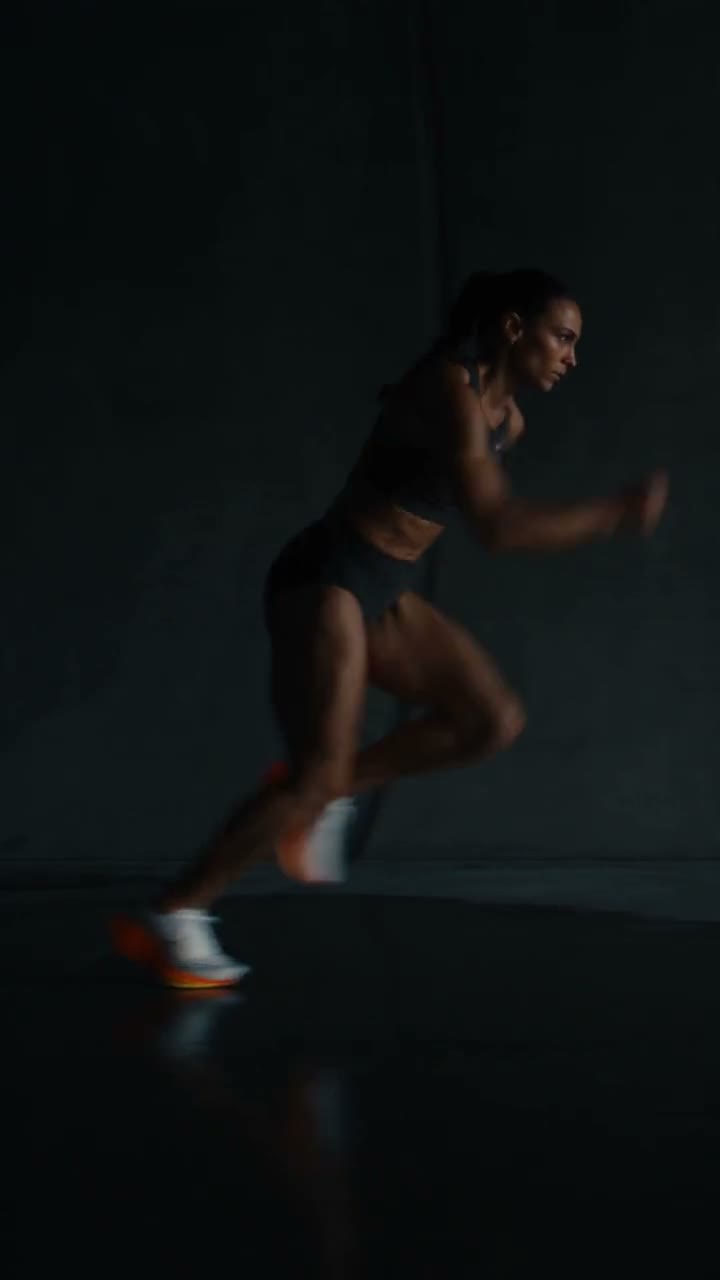
Your intent · shot 2Low angle. Trainers hit wet concrete. Slow motion.
HeyGen VideoLiteral
Wants one subject, one action, the sound spelled out
One subject, one place, one action. White trainers with orange soles land in a puddle on dark concrete. Camera on the ground, locked off. Slow motion.
Sound: a wet slap, droplets, room tone.
5s · 16:9 · 768P

Cheapest per second and the default for most shots, but it tops out at 768P. Second choice for this 1080p cut.

H3 Max TurboRouter pick
Wants a shot sheet, one line per field
SHOT     extreme low angle, 24mm
SUBJECT  white trainers, orange soles
ACTION   foot strikes; droplets to lens
SPEED    120 fps feel, 0.25× playback
LIGHT    low-key, hard backlight
FRAME 1  still from A001 Sprint_wide
5s · 16:9 · 1080P

Picked: 1080p, a first frame from the rushes to hold the grade, and the fastest return. Asks before it spends.

Seedance 2.5Prose
Wants a scene, written as a paragraph
Cinematic slow motion. The camera sits on the ground, looking up as a runner's white trainers with orange soles slam into a puddle on dark concrete. Water bursts outward, backlit. Camera static.
5s · 16:9 · 1080p

Maximum picture quality, slower and dearer. More than this insert needs.

Video6

  • HeyGen VideoDefault
  • H3 Max Turbo1080p · first + last frame
  • H3 MaxReferences · camera paths
  • FLUX 3 MaxKeyframes · 20 s takes
  • Kling 4.0Elements · edits · 30 s
  • Seedance 2.5Maximum quality

Image3

  • GPT Image 2.6Default
  • Nano Banana 2.1
  • Seedream 5.0 Pro

Voice1

  • ElevenLabs v4

Music and sound3

  • ACE-Step 1.5Default
  • Mureka 9.5Songs with vocals
  • ElevenLabs Sound Effects

Transcription2

  • Scribe v2Default · speakers
  • Whisper

Generation always asks before it spends, unless you tell it not to.

03Creative skills · included

Creative direction,
bundled free.

23 skills that teach your agent the craft, free on every plan. Continuity guides keep characters and products consistent. Ad skills build product ads and launch films. Cinematography skills plan like a crew: shot lists, coverage, lenses, moves, blocking and light.

advertisingAds, hooks, formats and variant sets
launch-videosLaunch films: argument, cast, world, proof
creative-directionConcepts, treatments, performance
media-generationWhole productions from generated media
video-generationPrompts and calls for H3, Seedance, HeyGen
image-generationStoryboards, anchor frames, product masters
picture-editorAssemblies to fine cut, J/L cuts, cut to the beat
plan-cinematic-shotsShot lists, lenses, moves, lighting
video-vfxChange what's in the shot
colour-gradingLooks, matching, film emulation
captionsTranscribed, styled, burned in
text-effectsTitles, lower-thirds, text behind the subject
smart-cropReframe any aspect, subject tracked
long-form-to-clipsPodcasts and talks into shorts
remove-ums-and-dead-spaceFiller and silences, gone
voiceoverNarration in any voice
design-video-soundDialogue, ambience, Foley, music intent
remotion-animationCharts, UI, kinetic type, end cards
source-b-rollStock found and placed
review-videoChecks every render against the brief
web-researchBrands, trends, logos, references
view-and-rename-assetsMedia sorted and named
deliver-outputsThe right files for every destination
Your agent reads a skill with skills_read when the brief calls for it. All 23 are free on every plan.
04Templates · included

Trending formats,
ready to fill.

A head start on the formats that are working right now. Ask for a text-message story and your agent builds the conversation, the timing and the typing. Then you make it yours.

Template 01

iMessage chat reveal

One line of brief becomes the whole conversation: who says what, the pauses, the typing, the photo and the read receipt. Change the names, the pictures and the punchline, then cut it for every feed.

  1. 02POV skit
  2. 03Street interview
  3. 04Before and after
  4. 05Testimonial story
  5. 06Realistic UGC talking head
  6. 07Prompt to result
  7. 08Problem → solution → demo
  8. 09Launch and feature reveal
  9. 10Animated product film
  10. 11Podcast clip
  11. 12Drama ad
  12. 13Stop-motion stills
  13. 14Product hero with voiceover
  14. 15Recipe short
Launch it

A launch film by Thursday, with the product shots you never had time to take.

Scale it

One brief. Sixty cuts. Test them all by Friday.

Tell it

From logline to locked cut, and your characters stay themselves.

05Saved workflows

Make it once.
Make it again.

When a video works, Flimming saves how it was made: format, structure, pacing, look, sound, the models and settings that mattered, what worked and what to avoid. It's a compact brief, not a replay script, so the next project adapts it.

01 · Finished
Kiln Runner launch ad0:15 · 9:16 · exported
Save how this was made as a workflow?
02 · Workflow · a brief, not a script

Product hero, vertical

Format
Product hero with voiceover · 15 s · 9:16
Structure
Hook, three product shots, super, end card
Pacing
Hook inside 1.5 s, cuts every 2–4 s
Look
Brand kit fonts and colours, film print warm
Sound
ElevenLabs v4 read, bed ducked −14 dB
Models
H3 Max Turbo, 1080p, first frame from the photo
Worked
Sole close-up as the hook
Avoid
Text over the shoe; hand close-ups
03 · New projects from it
Trail editionAdapted · new product
Winter dropAdapted · 4:5 too
Gift cardAdapted · no voiceover
From your agent

Your agent saves and lists workflows, and starts a project from one.

workflows_saveworkflows_listprojects_create · workflow
In the app

Account → Workflows lists them. Save workflow sits in the project menu and the Export tab.

Your say-so

After a final export Flimming offers to save one. It never saves a workflow without asking.

06Delivery

Same film.
Every feed.

One cut, reframed per platform with the subject tracked. Captions burned in or shipped as SRT and VTT. 18 presets in one pass, and a branded share page for the finished video.

Just the
next step.
9:16Reels · TikTok · Shorts
Just the next step.
4:5Feed · Ads
Just the next step.
1:1Square · Carousel
Just the next step.
16:9YouTube · Web · TV
18 presets · one pass
  • Reels / TikTok / Shorts9:16 · H.264
  • Feed4:5 · H.264
  • Square1:1 · H.264
  • YouTube / Web16:9 · HEVC 4K
  • HDR masterHDR10 · HLG · 4K
  • Edit masterProRes · DNxHR
  • LoopsGIF
  • CaptionsBurned · SRT · VTT

HDR phone footage stays HDR, as recorded.

launch_film.srt

1
00:00:00,000 → 00:00:01,406
No finish line.

2
00:00:01,406 → 00:00:03,281
No crowd.

3
00:00:03,281 → 00:00:05,625
Just the next step.

You call the shots.
Your agent asks first.

Access per project.

Your agent signs in with OAuth, and you pick exactly which projects it can touch.

Asks before it spends.

Generation always asks before it spends credits, unless you tell it not to.

Every change, undoable.

Everything your agent does lands in the project history, and every step is yours to undo.

Your machine or ours.

Run jobs locally or on cloud GPUs. One project, wherever it runs.

Every feature,
every plan.

Every plan gets the whole studio: your agent connected, the full editor, every model and every skill. Plans differ in credits, storage and how many renders run at once.

Edit01
$19/ month
1,500 credits

Best for cloud jobs from mobile agents, editing, music generation and very light video generation.

Mix and match · up to
  • 6 min of generated video*
  • 94 min of cloud rendering
  • 45 h of transcription
  • 25 GiB of storage
  • 2 renders at once
Every feature
Create02
$49/ month
5,000 credits

Best for regular editing, voiceover, images and short generated clips.

Mix and match · up to
  • 22 min of generated video*
  • 315 min of cloud rendering
  • 151 h of transcription
  • 100 GiB of storage
  • 4 renders at once
Every feature
Pro03
$99/ month
10,500 credits

Best for generated video every week and long agent sessions.

Mix and match · up to
  • 46 min of generated video*
  • 662 min of cloud rendering
  • 318 h of transcription
  • 250 GiB of storage
  • 8 renders at once
Every feature
Studio04
$249/ month
27,500 credits

Best for campaigns and series at production volume.

Mix and match · up to
  • 122 min of generated video*
  • 1,736 min of cloud rendering
  • 833 h of transcription
  • 1 TiB of storage
  • 16 renders at once
Every feature
Included on every plan

Nothing is locked behind a tier.

Credits, storage and render capacity grow with the plan. The studio is the same. Extra storage is billed in credits.

  • Your agent, connected306 tools over MCP, OAuth sign-in, access per project.
  • The Flimming agentPlans the edit, offers options and checks its own renders.
  • The full editorTimeline, keyframes, 13 blend modes, masks, multicam with auto-switch, audio post.
  • Every model, routedHeyGen Video, H3, Seedance, GPT Image 2.6, Nano Banana 2.1, Seedream, ElevenLabs.
  • 23 skills and 15 templatesContinuity, cinematography, ads, colour, captions; text-message stories, UGC, street interviews.
  • Captions and titles44 caption styles with word motion and emoji, 16 title templates, text behind the subject.
  • Saved workflowsSave how a video was made, then start the next one from it.
  • Cloud rendering up to 4K18 delivery presets, from 9:16 H.264 to HDR10, HLG, ProRes and SRT.

* Model usage is subject to change with our providers' prices. Each figure is a plan's credits spent on that alone.

Fair questions.
Straight answers.

More in the docs.

What is Flimming?

A video editing suite made for agents and people working together. Your agent gets pro editing tools, the best generation models and creative skills over MCP. You get a real editor to take over whenever you like. Both work on the same project.

Which agents can use it?

Codex, Claude Code, ChatGPT, Claude, Cursor, Grok Bot, Dots, Muse, and any agent that speaks MCP. Copy the setup prompt, paste it into your agent and it walks you through the rest.

Do I need my own agent?

No. Flimming has its own agent: it plans the edit, offers options, asks before it spends and checks its own render. Or open the editor and cut by hand.

Can I take over from my agent?

Any time. It's the same project and the same history, and every change your agent made is yours to undo.

How do credits work?

Credits are shared across everything you do: generation, rendering, transcription and agent time, which is metered by the tokens it uses. Unused credits roll over a month, extra storage is billed in credits, and you can top up by hand or automatically on any plan.

What do I get on the cheapest plan?

Every feature. Plans differ only in credits, storage and how many renders run at once.

What can I deliver?

18 presets in one pass, from 9:16 H.264 to ProRes, DNxHR, HDR10 and HLG 4K masters, with captions burned in or shipped as SRT and VTT. HDR phone footage stays HDR, and a finished video can have its own branded share page.

Start filming.

Connect your agent in one paste, or open the editor and start with an idea, a link or a folder of rushes.

Open the editor

One paste into ChatGPT, Claude, Codex or any MCP client.Copied. Now paste it into your agent’s chat and send it.